Editor Support
Examples of tools (editor support):
-
syntax highlighting (usually regex based)
-
semantic highlighting (based on information in the AST)
-
hover tooltips
-
code navigation
- Go To Definition
- Go To Implementation
- Find All References
- Find All Implementations
- Show Call Hierarchy
-
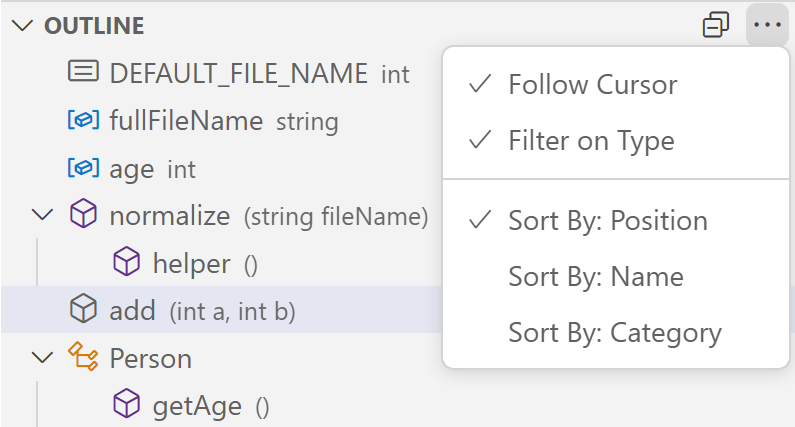
document outline
-
real-time diagnostics (error checking)

-
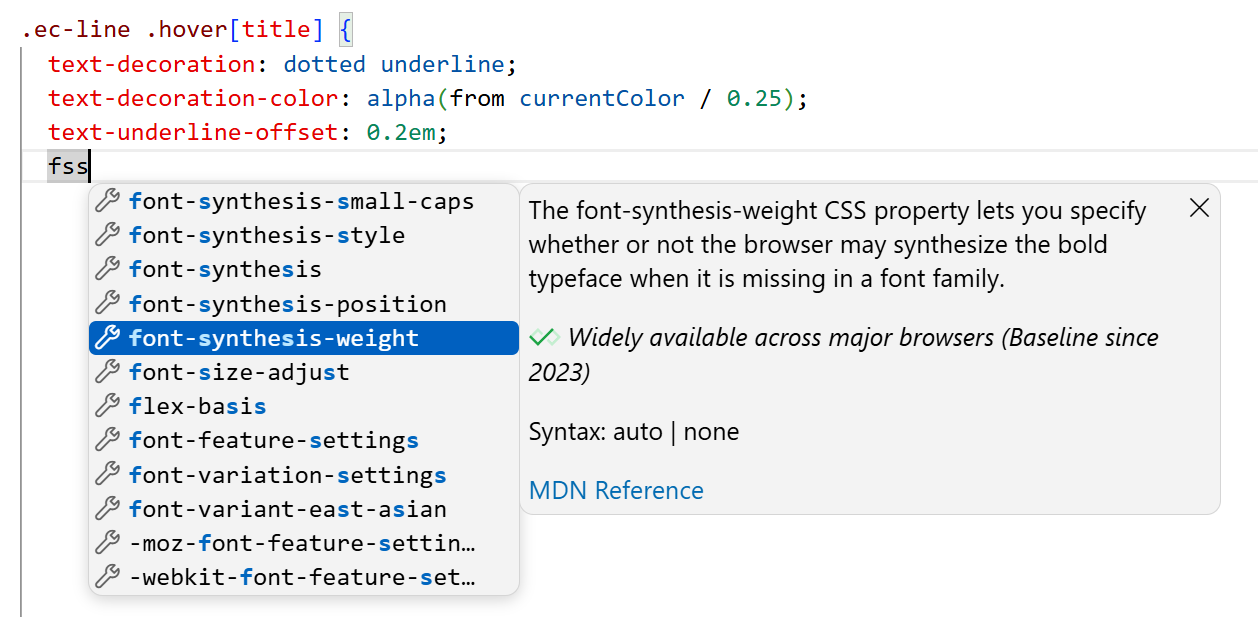
code completion (IntelliSense)
-
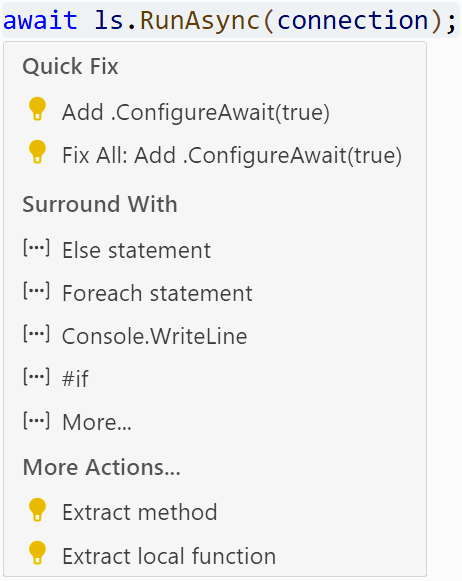
code actions (e.g. Quick Fix)
Language Server Protocol
example flow:
